Deploy OpenClaw with Docker Compose (Production)
A production-grade Docker Compose setup for OpenClaw on a VPS: Caddy reverse proxy + HTTPS, secrets, upgrades, backups, and troubleshooting.
- Tested on: Debian/Ubuntu
- Updated: 2026-02-06
- Assumption: Caddy is your public entrypoint; OpenClaw is not exposed directly.
Prerequisites
- A VPS (Debian/Ubuntu recommended) with SSH access
- A domain/subdomain pointed at the VPS (A/AAAA record)
- Docker + Docker Compose plugin installed
- Ports 80/443 open to the internet; keep admin ports closed
Architecture
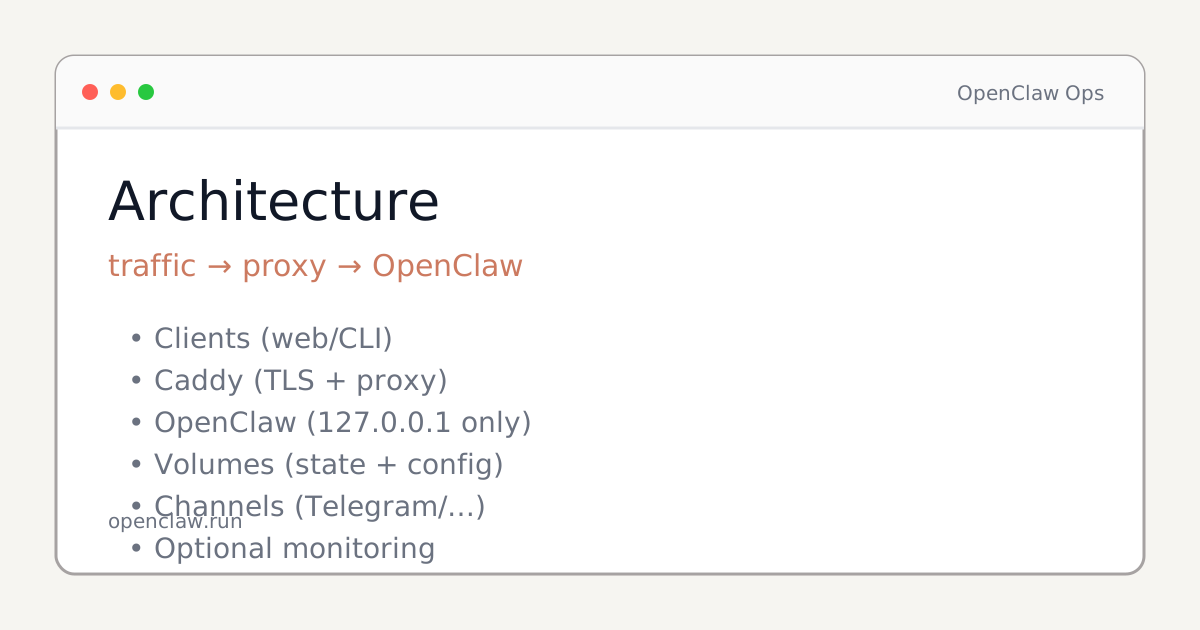
The minimum safe shape is: client → reverse proxy (TLS) → OpenClaw Gateway. The proxy is the only public entrypoint.
Directory layout
/opt/openclaw/
  docker-compose.yml
  .env            # chmod 600
  Caddyfile
.env (template)
Keep secrets out of git. On the server: chmod 600 /opt/openclaw/.env.
# OpenClaw
OPENCLAW_BASE_URL=https://openclaw.example.com
# Add other required tokens/keys here.
# NEVER commit this file.
docker-compose.yml (OpenClaw + Caddy)
Notes:
- OpenClaw is only reachable on the internal Docker network.
- Caddy publishes 80/443 and terminates TLS via ACME.
- Pin versions for real production upgrades (don’t rely on :latest long-term).
services:
  openclaw:
    image: ghcr.io/openclaw/openclaw:latest
    restart: unless-stopped
    env_file:
      - .env
    expose:
      - "3000"
    volumes:
      - openclaw_data:/var/lib/openclaw

  caddy:
    image: caddy:2
    restart: unless-stopped
    ports:
      - "80:80"
      - "443:443"
    volumes:
      - ./Caddyfile:/etc/caddy/Caddyfile:ro
      - caddy_data:/data
      - caddy_config:/config
    depends_on:
      - openclaw

volumes:
  openclaw_data:
  caddy_data:
  caddy_config:
Caddyfile
Replace the domain and (optionally) set a real email for ACME.
openclaw.example.com {
  # email you@example.com

  encode zstd gzip

  # Basic security headers (adjust to your app needs)
  header {
    X-Content-Type-Options nosniff
    X-Frame-Options DENY
    Referrer-Policy no-referrer
  }

  reverse_proxy openclaw:3000
}
Start + verify
cd /opt/openclaw

docker compose up -d

docker compose ps
# Expect: openclaw + caddy = Up

docker compose logs -f --tail=200 caddy
# Expect: certificate obtained + no crash loops
Verification checklist:
- https://openclaw.example.com loads and redirects HTTP→HTTPS
- No direct OpenClaw port is reachable publicly (only 80/443)
- Logs show normal startup (no repeated restarts)
Firewall hardening (UFW)
# allow ssh first (don’t lock yourself out)
ufw allow 22/tcp
ufw allow 80/tcp
ufw allow 443/tcp
ufw enable
ufw status verbose
Backups (volume snapshot)
Back up the OpenClaw data volume. Store backups off the host. Test restores.
# Create a timestamped tarball backup
TS=$(date -u +%Y%m%d-%H%M%S)
docker run --rm   -v openclaw-run_openclaw_data:/data:ro   -v /opt/openclaw/backups:/backups   alpine   sh -c "cd /data && tar -czf /backups/openclaw-data-$TS.tgz ."
Upgrades + rollback
# Upgrade
cd /opt/openclaw

docker compose pull
# (Optional) take a backup first

docker compose up -d

docker compose logs -f --tail=200 openclaw

# Rollback idea:
# - set image tag back to previous known-good
# - docker compose up -d
Troubleshooting
- ACME / certificate fails: check DNS points to the VPS; ports 80/443 must be reachable.
- 502 from Caddy: OpenClaw container not healthy / wrong upstream. Check docker compose psand docker compose logs openclaw.
- Connection refused: firewall/security group blocks 80/443.
- Crash loop: misconfigured env vars. Validate .env and container logs.
- Disk fills up: enable log rotation and prune old images/volumes carefully.
- Permission denied on volumes: ensure the container UID/GID matches expected paths; check docs for the image.
- HTTPS works but assets mixed-content: ensure base URL is https and proxy headers are correct.
- Need to rotate secrets: update .env, restart, and confirm no old tokens remain in logs/history.
FAQ
Do I have to use Caddy?
No. This guide uses Caddy because it is the simplest way to get automatic HTTPS. If you already run Nginx/Traefik, keep it — the key rule is: only the proxy is public.
Should I expose the OpenClaw port directly?
No. Bind OpenClaw to localhost (127.0.0.1) or a private Docker network and expose it only through the reverse proxy.
How do I upgrade safely?
Pin image tags (not :latest), take a backup of volumes, pull the new image, restart, then verify health. Keep the previous tag to rollback.
Where should I store secrets?
Use a local .env with strict permissions (chmod 600). Do not commit it. For teams, use a secret manager and inject env at deploy time.
What should I back up?
Back up the OpenClaw data volume (state) and any local config you maintain (compose file, Caddyfile). Test restoring on a fresh host.
Production checklist
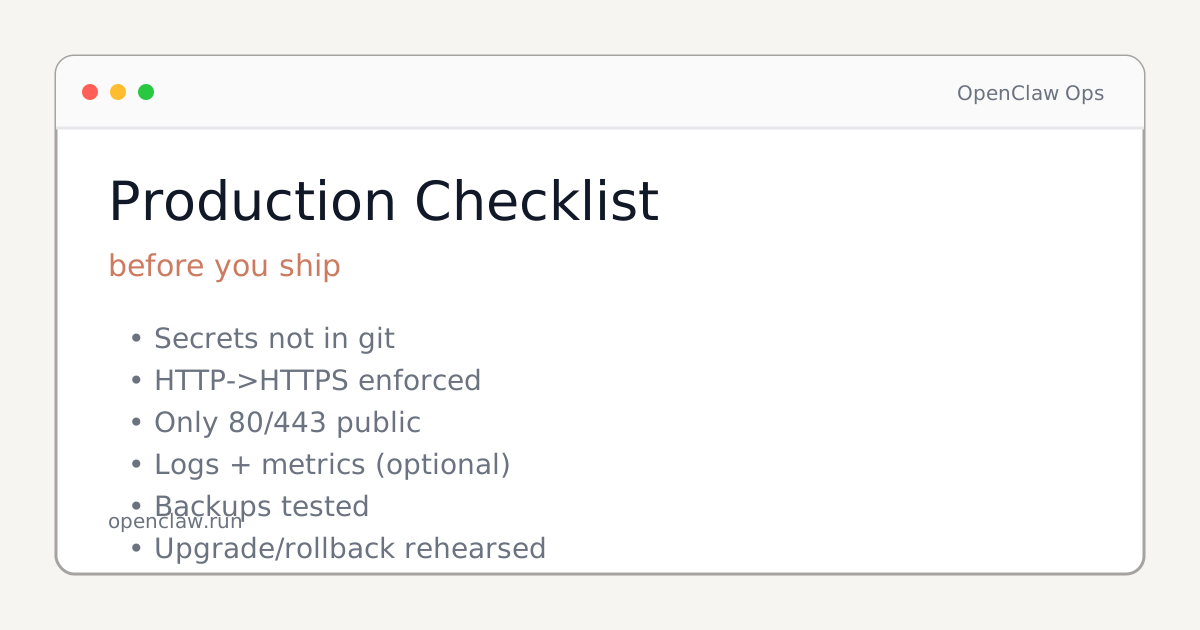
If you can’t check every line, don’t call it production yet.
Next
- Pin image versions and add a monitored upgrade cadence
- Add monitoring (optional): uptime + logs shipping
- Write an error-index page (gateway won’t start, auth failures, browser tool issues)
Canonical: https://openclaw.run/en/guides/docker-compose-production